 Premiere Klasse
Original Room Photos
Make changes to items below, then recreate any of these photos with your new selections


Click an item to swap it for something else. You can also add or delete items. After making changes, click "Visualise Current Items" to see how the room would look with your choices.
Tip: Make one or two item changes at a time. If you're happy with the result, use "Recreate with my changes" on your new image rather than starting from an original photo. The AI works best with fewer changes at once!
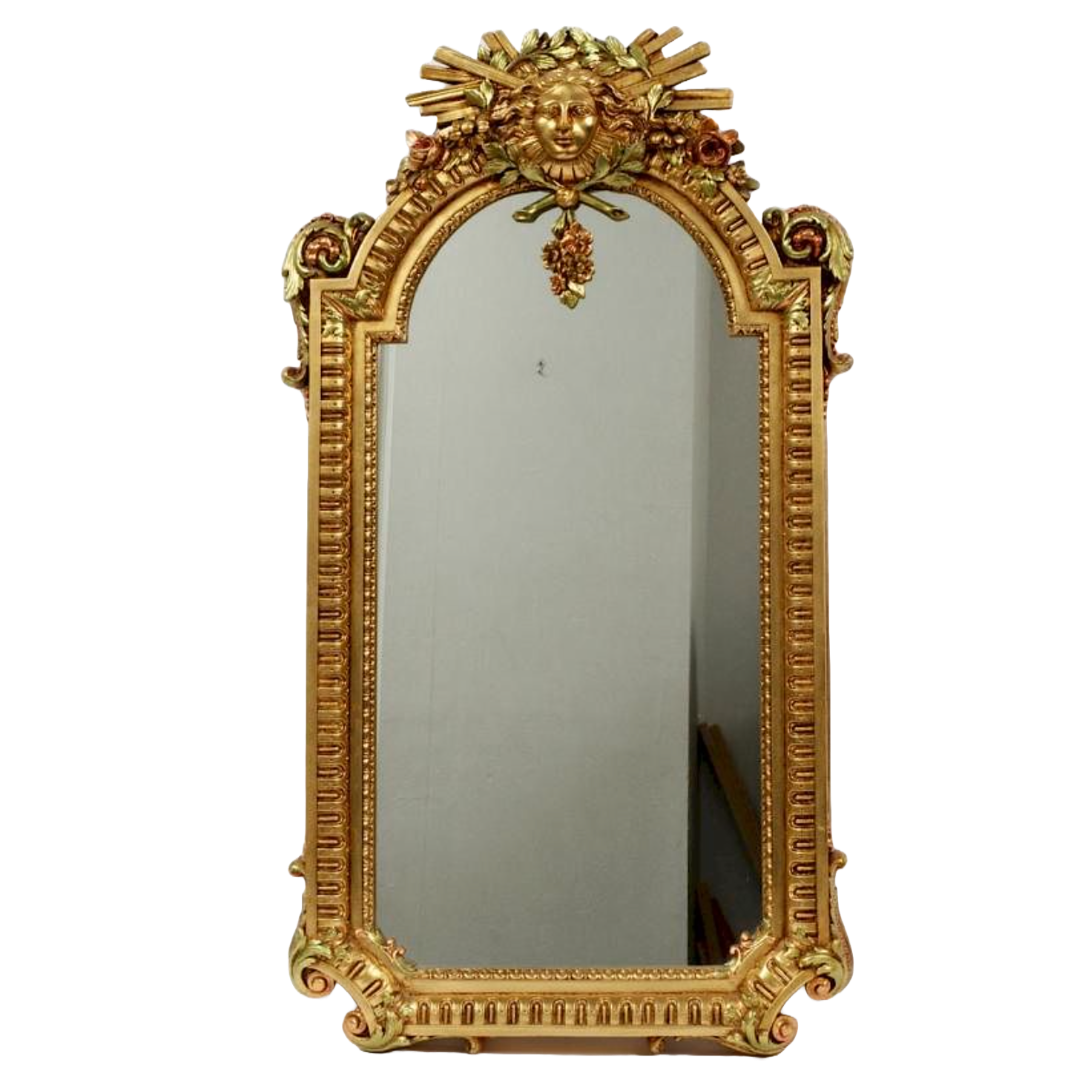
mirror
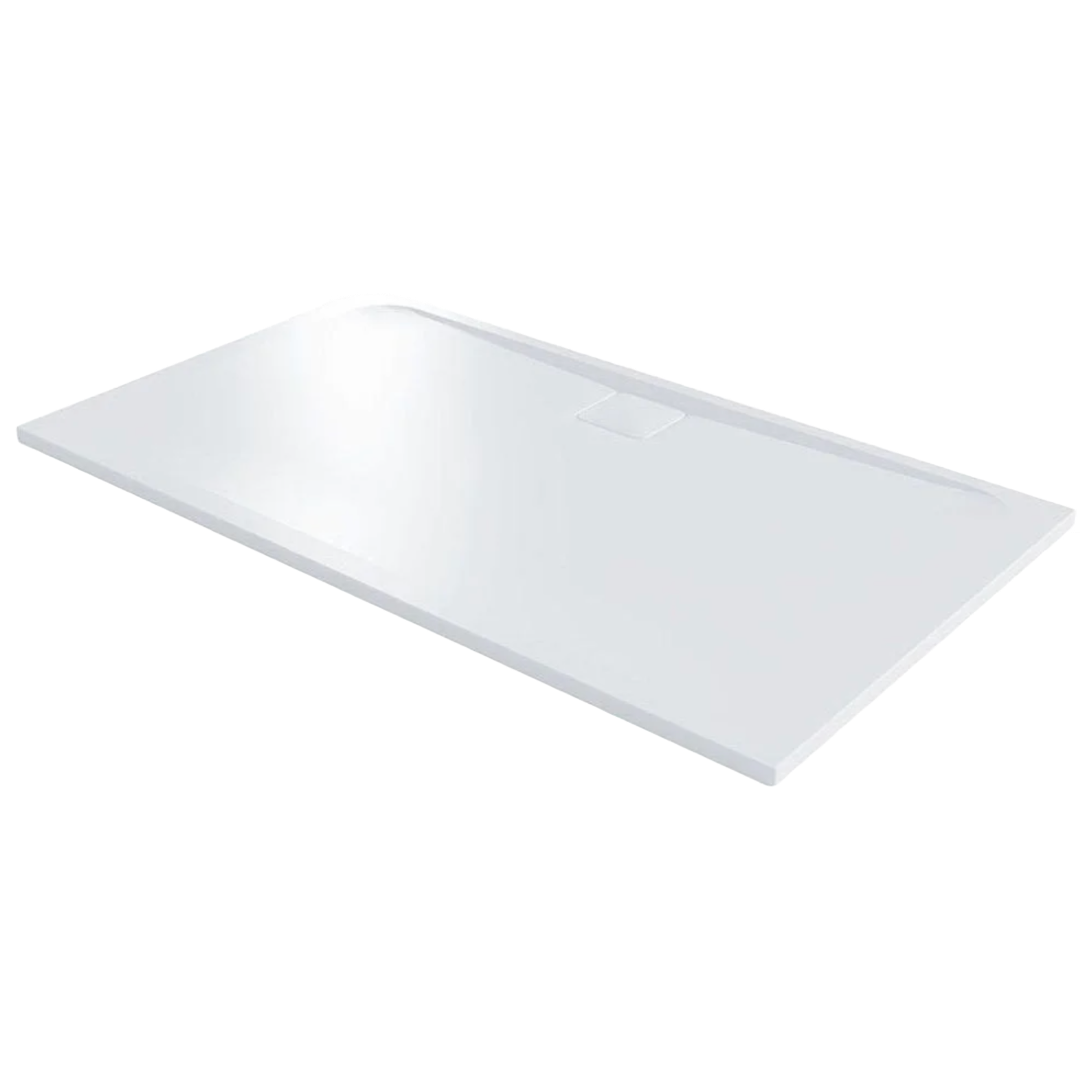
shower tray
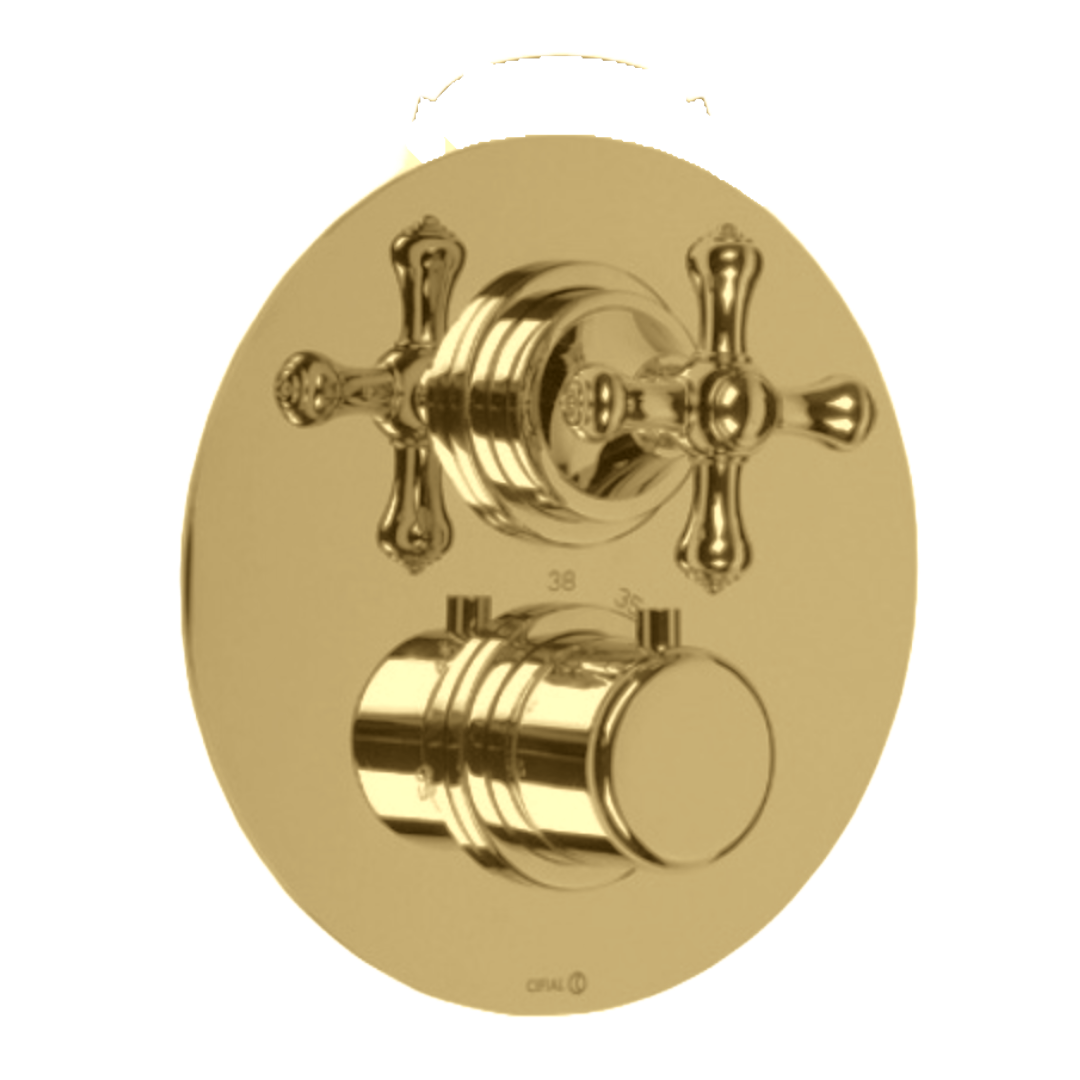
shower valve
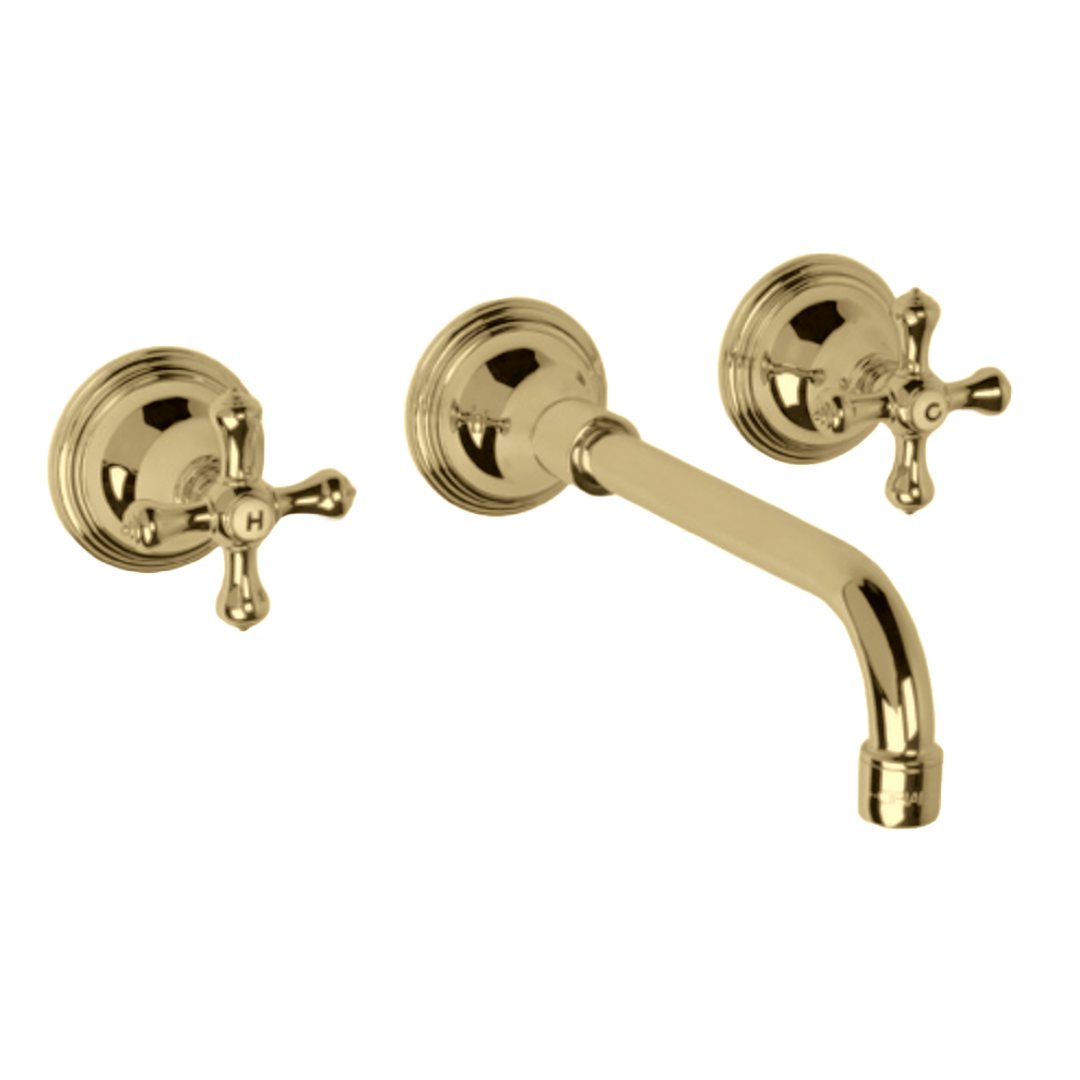
tap
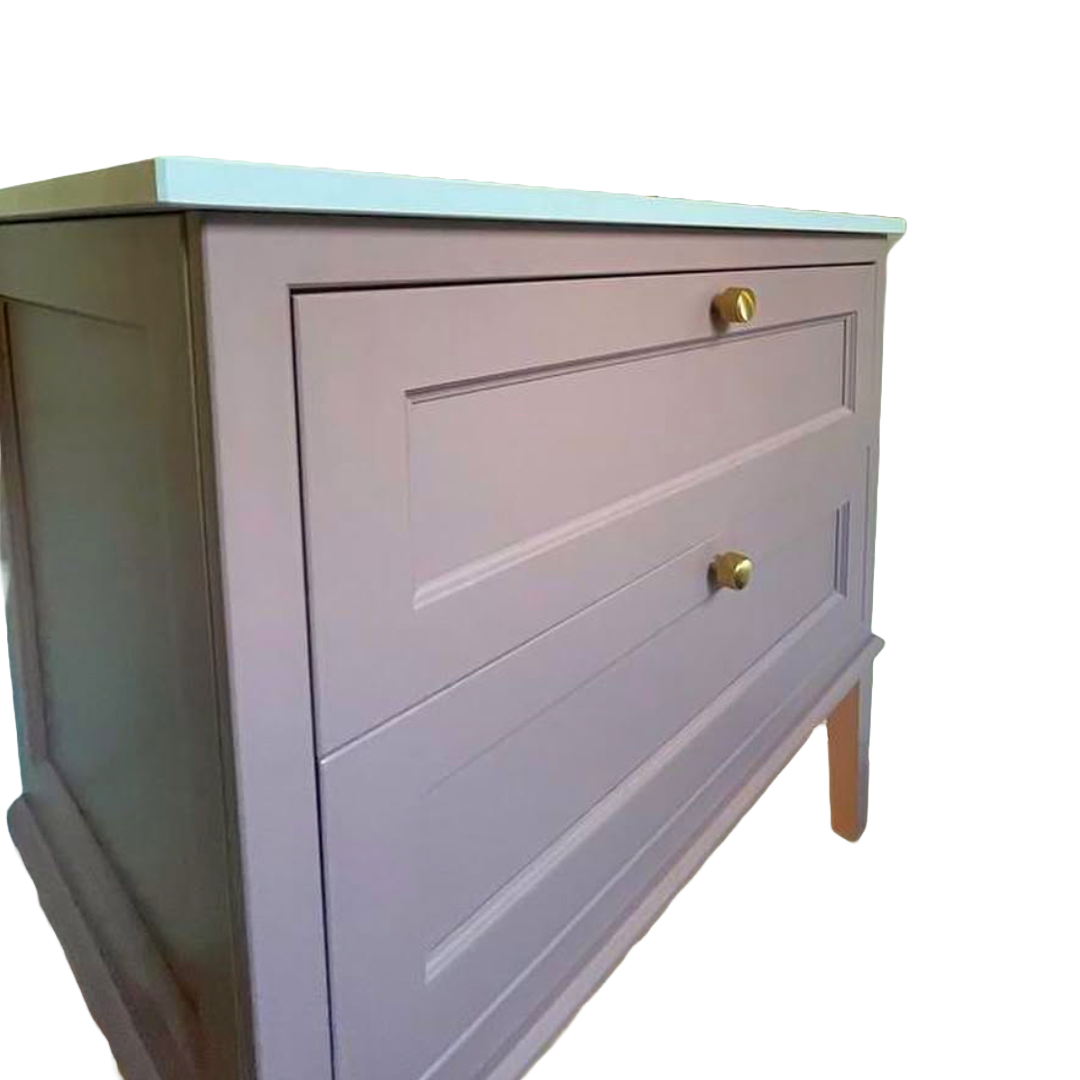
vanity
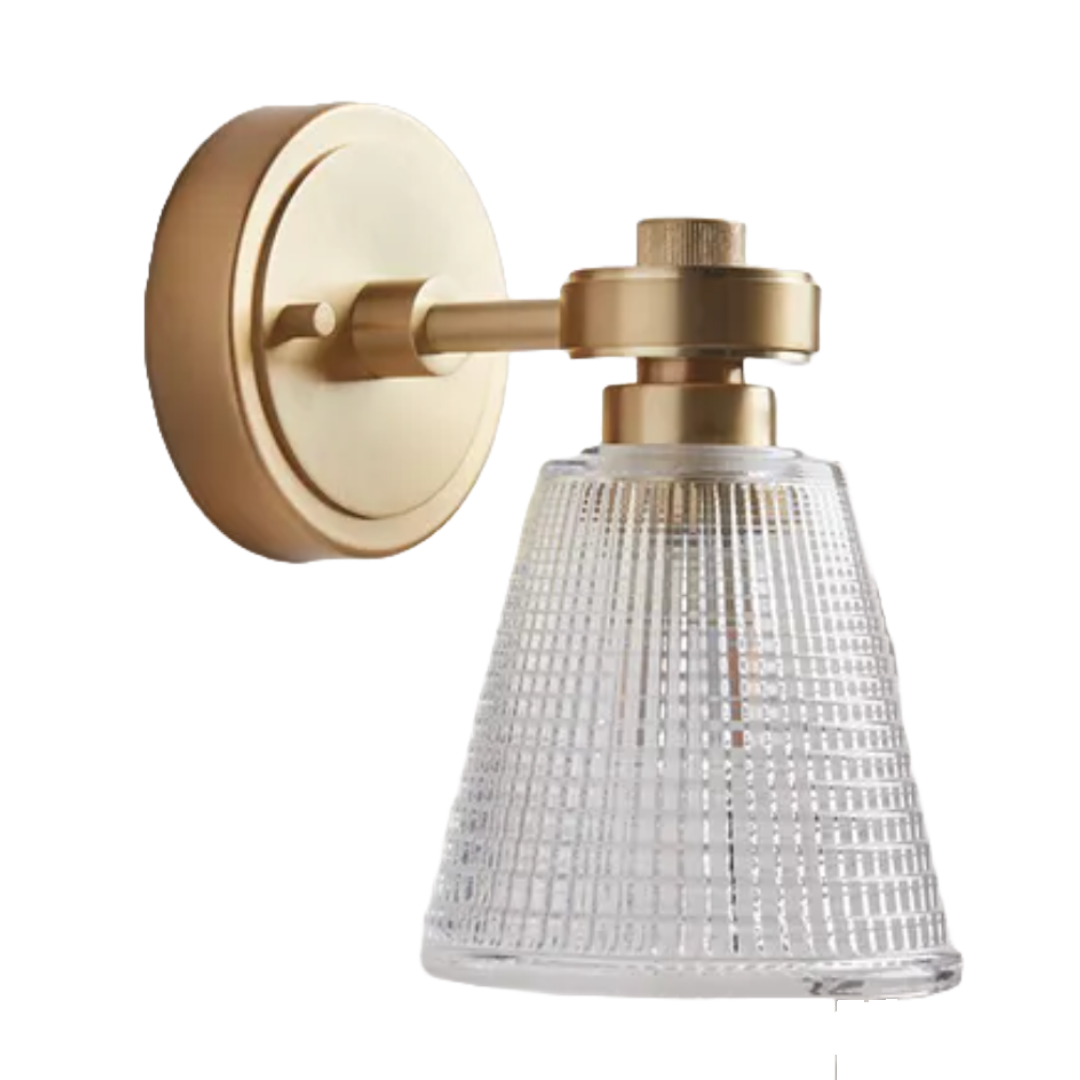
wall light
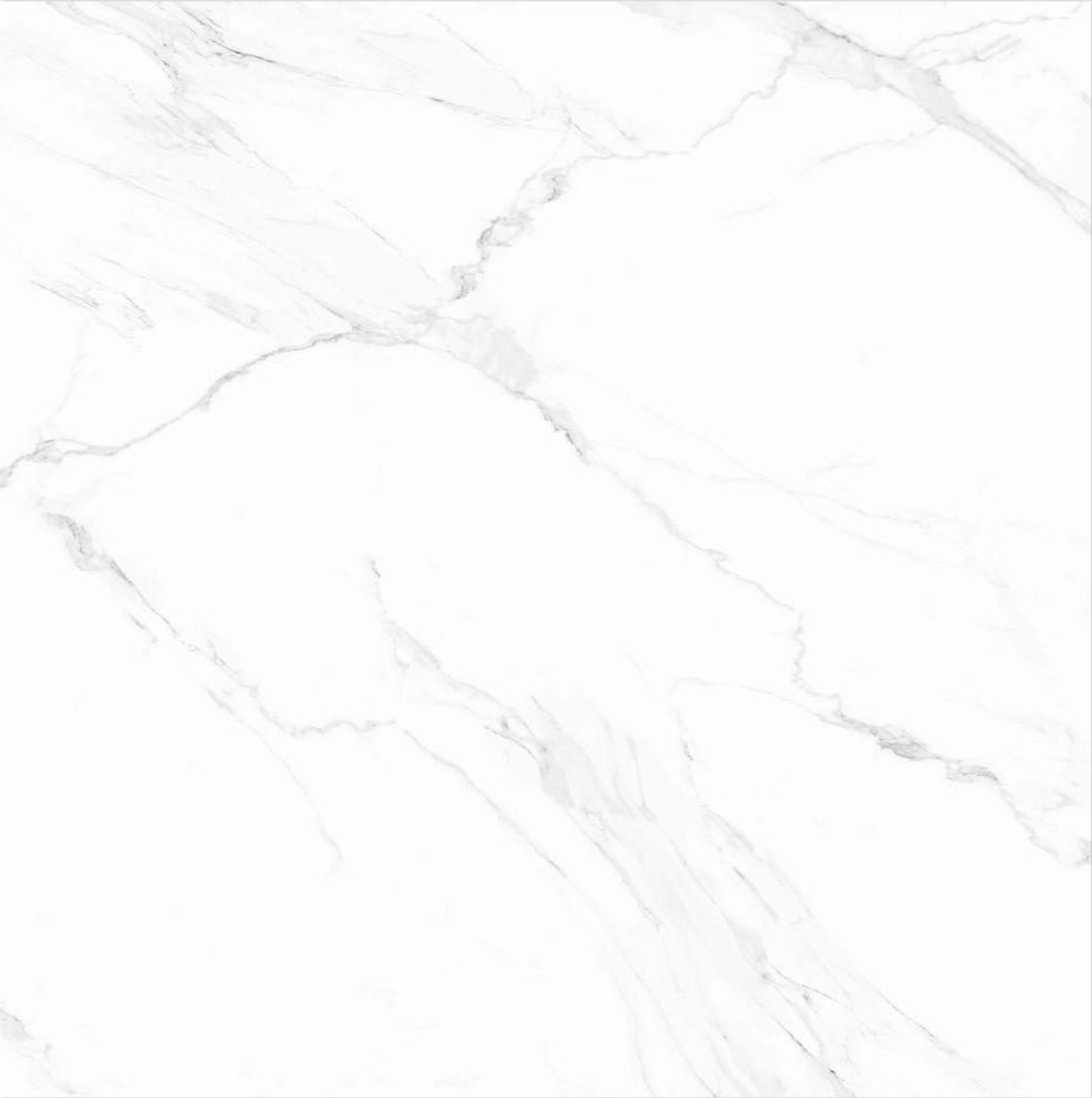
wall tiles
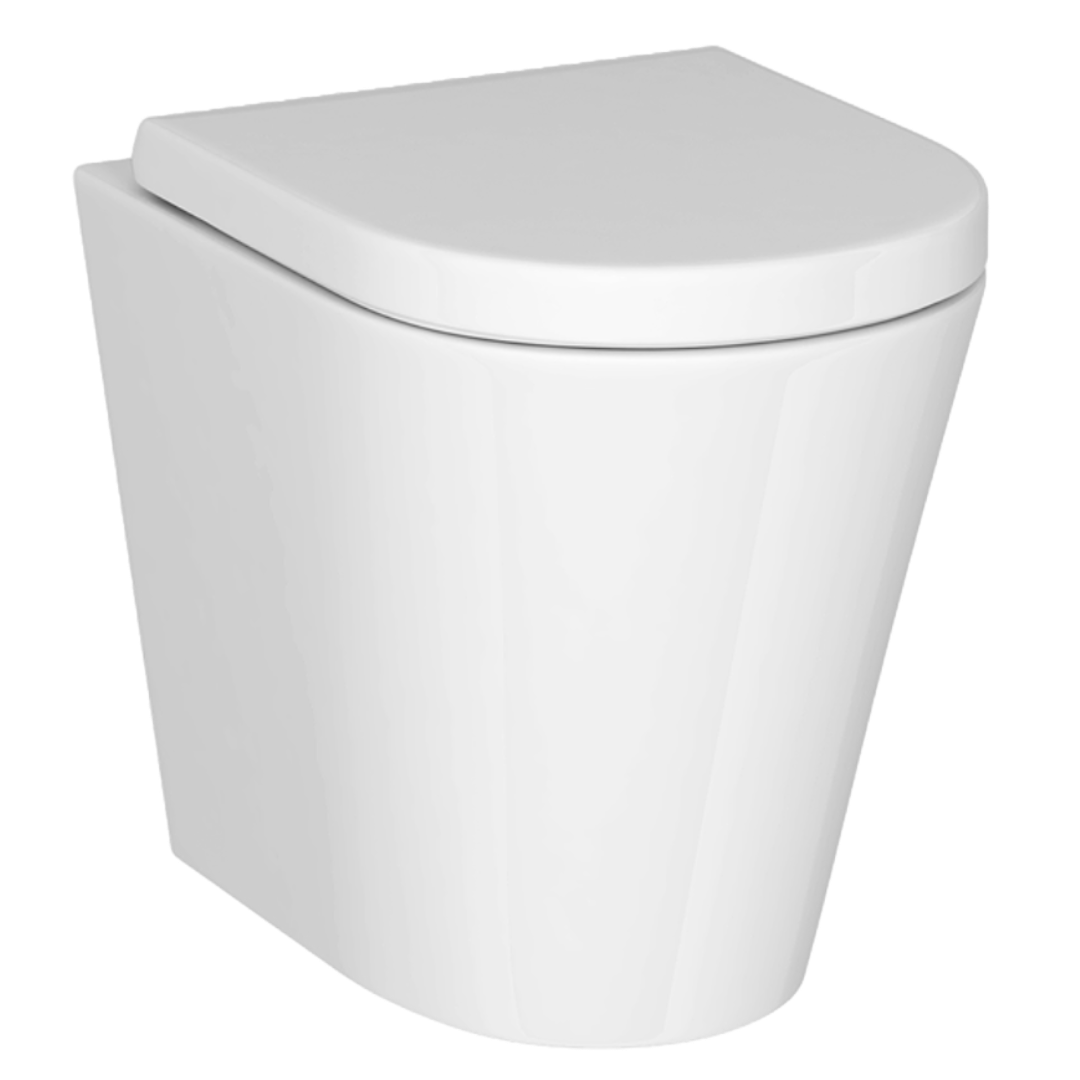
wc
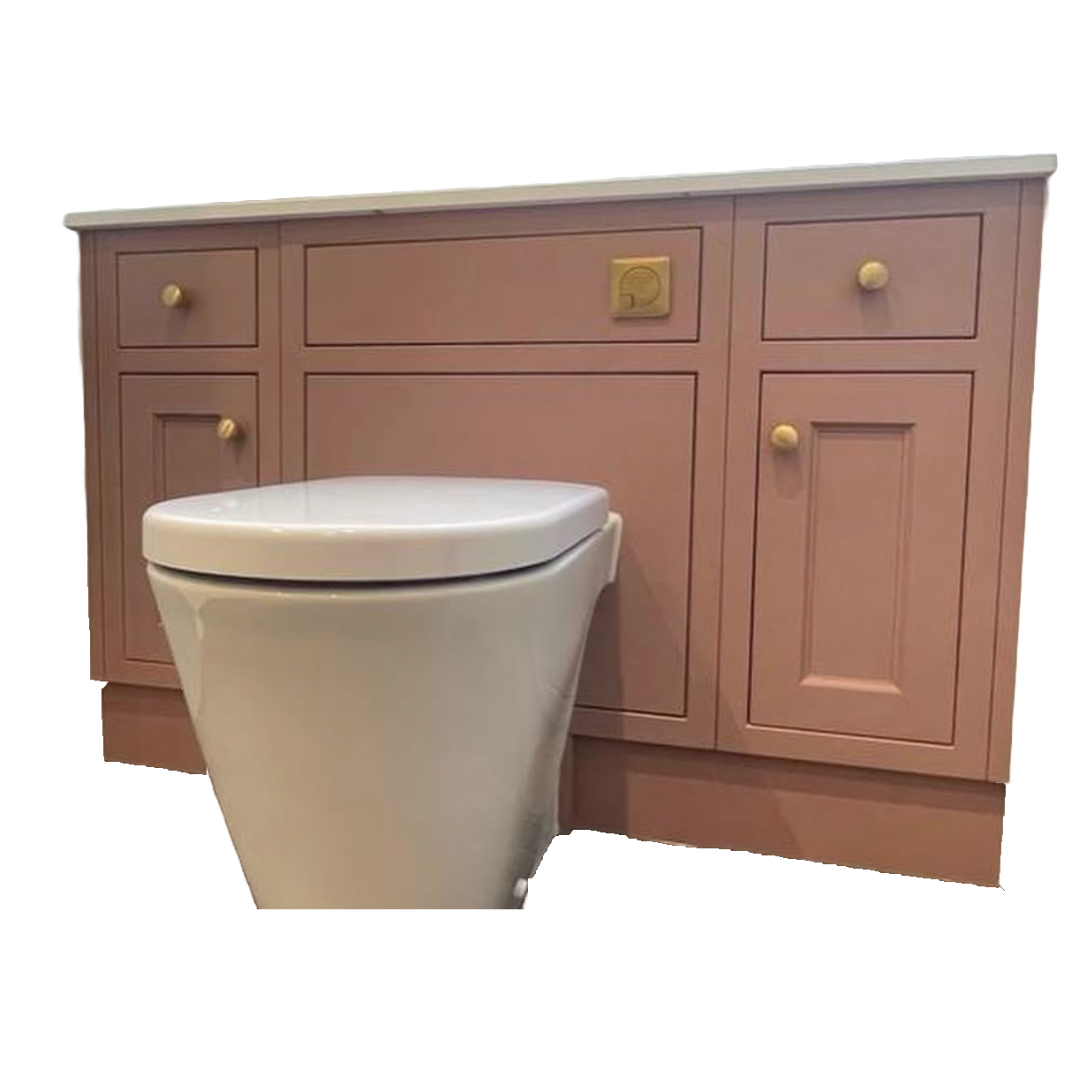
wc unit
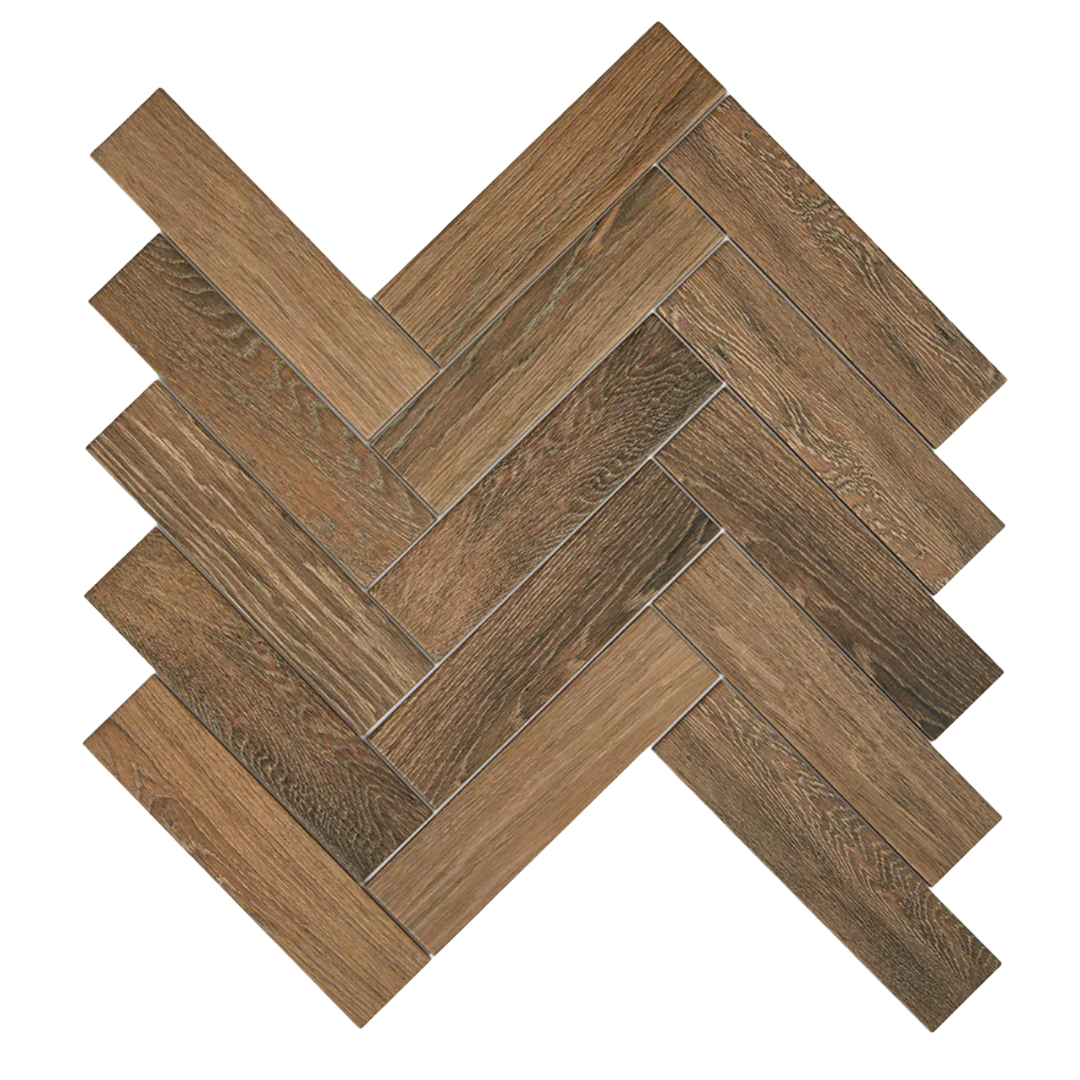
wood floor tile
Consider Adding
Add floor tiles
floor tiles
Click to browse
Add vanity unit
vanity unit
Click to browse
Add sink
sink
Click to browse
Add paint
paint
Click to browse
Add heated towel rail
heated towel rail
Click to browse
Add sink tap
sink tap
Click to browse
Add Other
Custom Item Type
Type your own
Swap Item
Current Item
Alternative Items
Loading alternatives...
Items Being Sent to AI
This is exactly what will be captured and sent to generate your render