 Studio Ida
Original Room Photos
Make changes to items below, then recreate any of these photos with your new selections


Click an item to swap it for something else. You can also add or delete items. After making changes, click "Visualise Current Items" to see how the room would look with your choices.
Tip: Make one or two item changes at a time. If you're happy with the result, use "Recreate with my changes" on your new image rather than starting from an original photo. The AI works best with fewer changes at once!
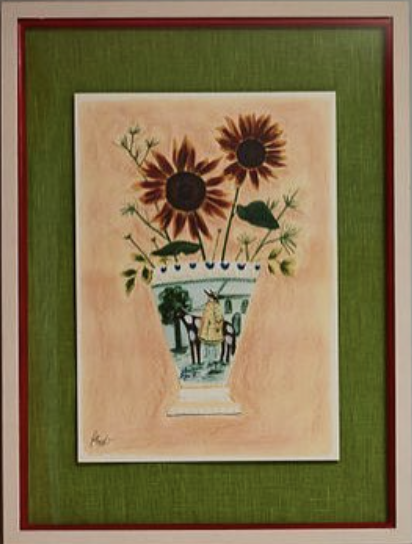
artwork
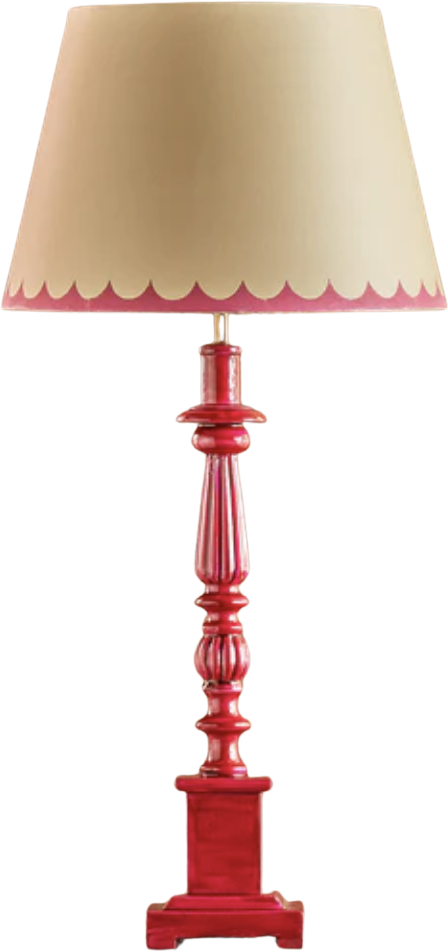
bedside lamp
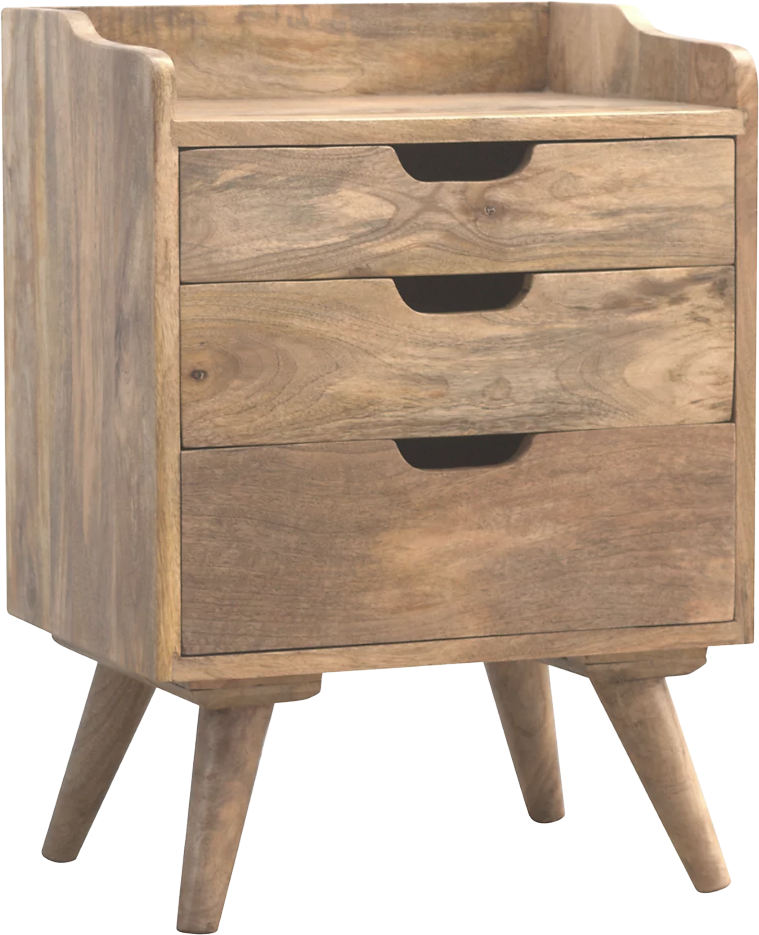
bedside table
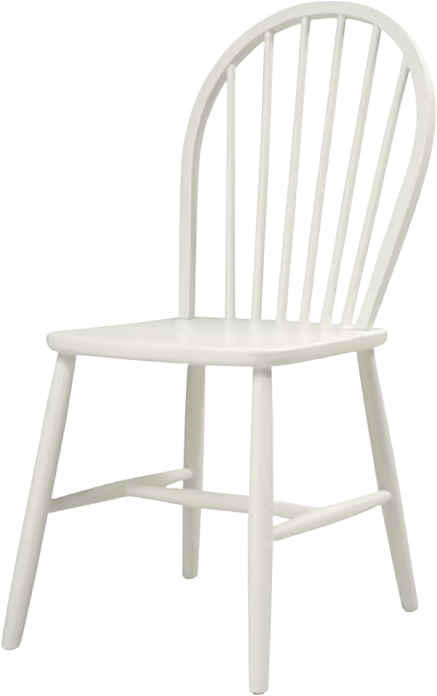
chair
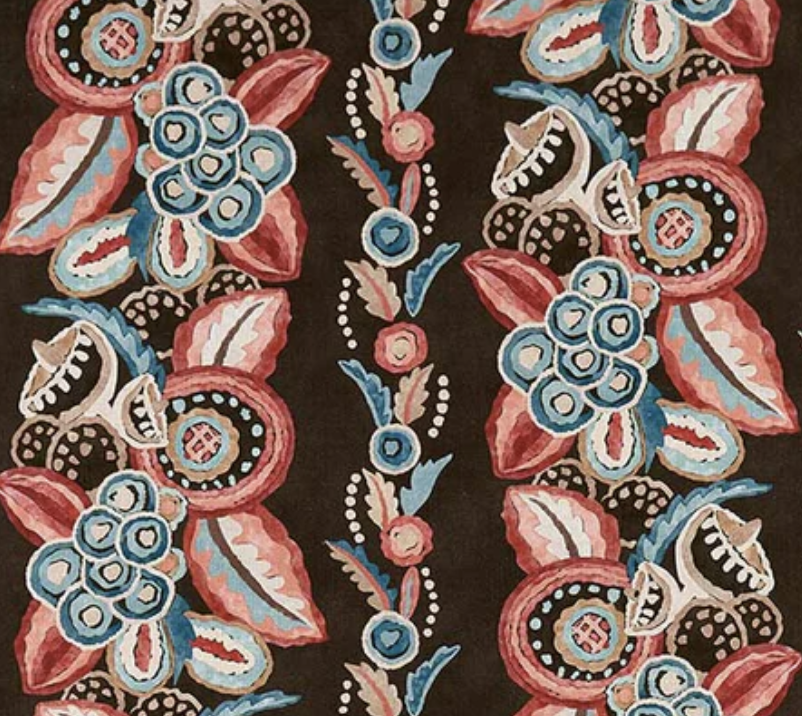
cushion fabric
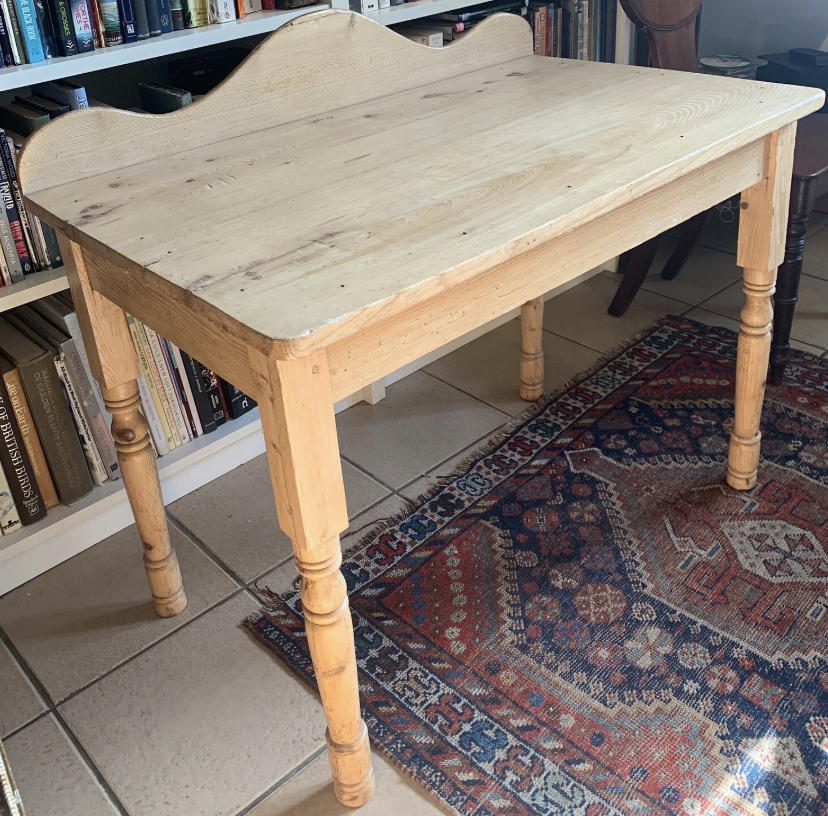
desk
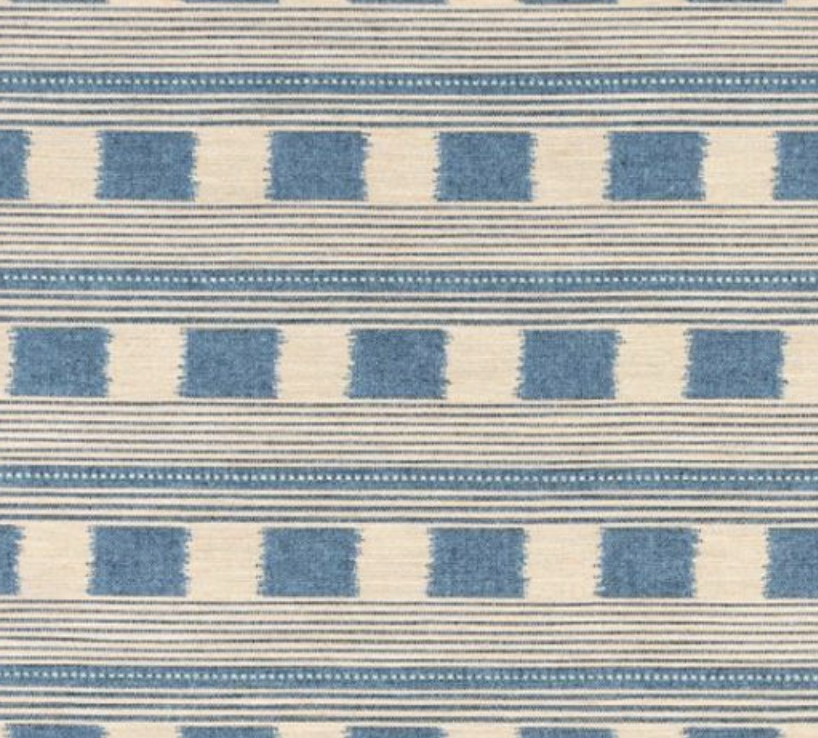
headboard
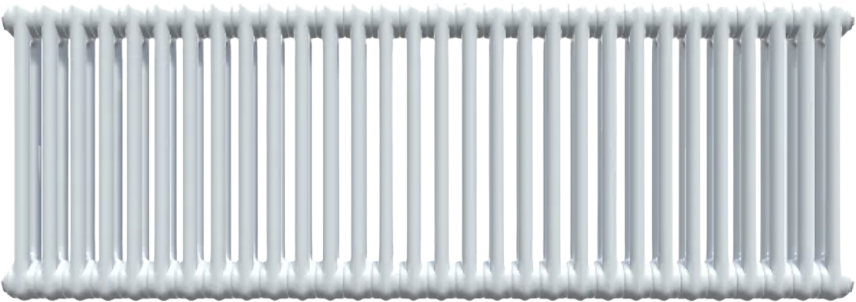
radiator
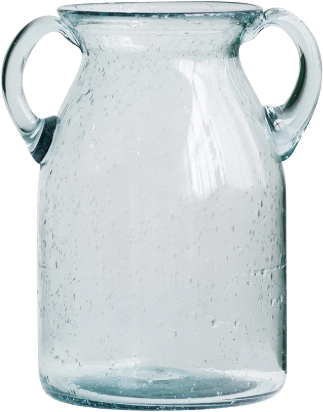
vase
wall paint

Consider Adding
Add bed
bed
Click to browse
Add chest of drawers
chest of drawers
Click to browse
Add lamp
lamp
Click to browse
Add panelling
panelling
Click to browse
Add pendant light
pendant light
Click to browse
Add plant pot
plant pot
Click to browse
Add Other
Custom Item Type
Type your own
Swap Item
Current Item
Alternative Items
Loading alternatives...
Items Being Sent to AI
This is exactly what will be captured and sent to generate your render